
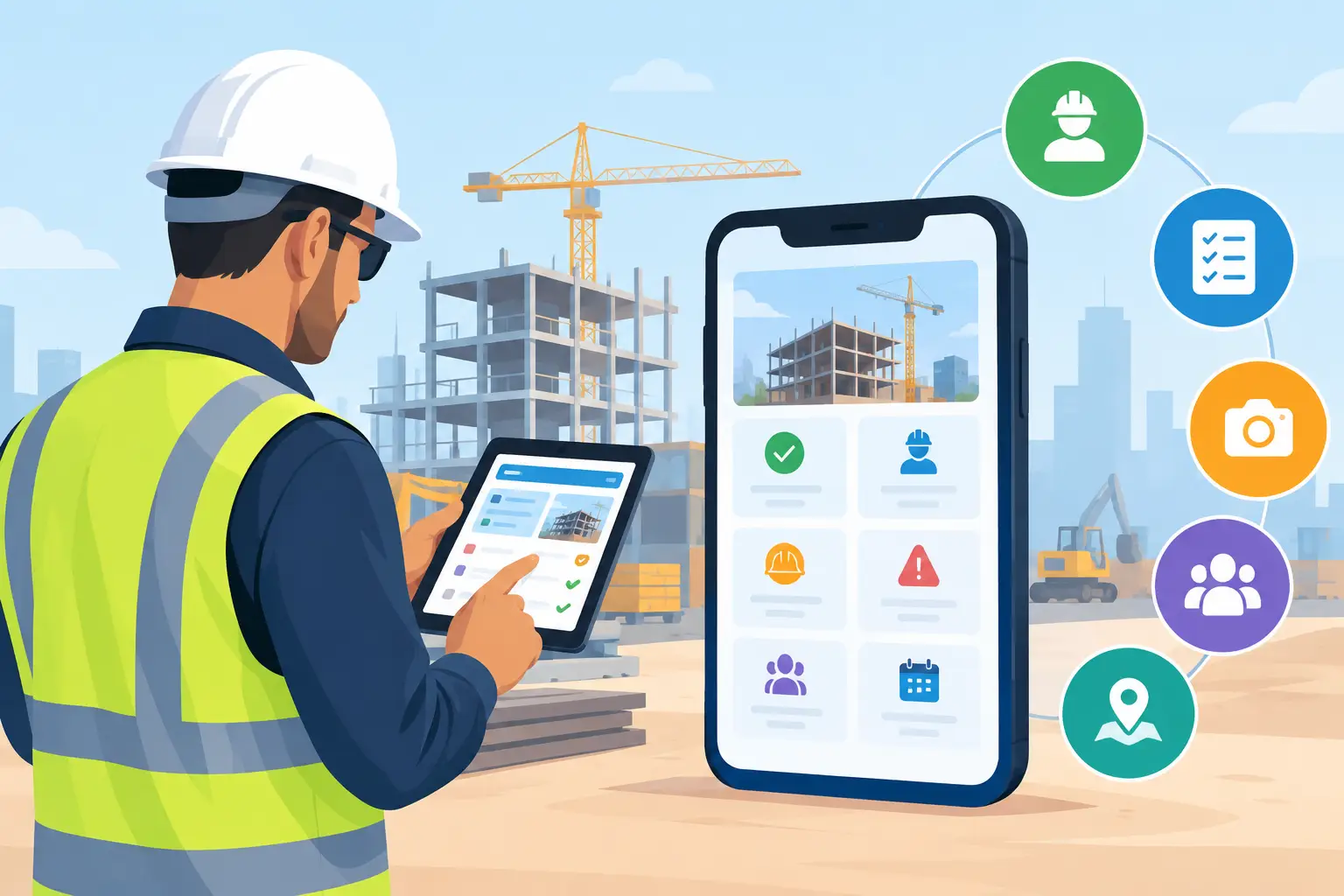
7 Best Superintendent Apps for Jobsite Control
Find the best superintendent apps for schedules, plans, daily logs, and subcontractor updates without adding desk work to the field team as work moves.
A superintendent rarely loses a day because they do not have software. They lose it because the latest plan is in one app, a delivery update is in a text thread, the schedule lives on somebody's laptop, and the owner wants an answer before lunch. The best superintendent apps put the next decision, the current document, and the jobsite record in the same place - on the phone in the truck or the tablet on the tailgate.
The right choice depends on your work. A commercial superintendent running a large, document-heavy project needs different controls than a residential builder managing six custom homes and a remodel. The common requirement is simpler: field teams need to capture what happened, direct what happens next, and give the office information it can trust without turning every foreman into a software administrator.
What Makes a Superintendent App Worth Using?
Do not judge an app by its feature checklist alone. A superintendent app earns its place when it reduces calls, duplicate entry, and missed handoffs during an active week. That means fast mobile access to plans, schedules, tasks, photos, daily reports, punch items, and subcontractor communication.
It also has to work under jobsite conditions. Superintendents use apps between inspections, deliveries, walkthroughs, and trade coordination meetings. If updating a schedule requires ten screens, or a subcontractor needs a paid seat just to see a task, the information will slide back into texts and phone calls.
Before you buy, test three real workflows: documenting a delay, assigning a correction to a subcontractor, and finding the latest approved detail. If those actions are slow, the platform will not become the operating system for the field, no matter how polished the dashboard looks.
7 Best Superintendent Apps for Different Jobs
1. BuilderHelp for field-first builders who need one control center
BuilderHelp fits small to mid-size general contractors that need field execution tied directly to the rest of the business. Instead of treating the superintendent as a data courier between the jobsite and office, it brings schedules, budgets, invoices, plans, photos, materials, deliveries, tasks, approvals, and communication into one operational view.
Its difference is command-driven AI. A superintendent can use voice to update a schedule, create a task, capture an invoice, check a delivery, or retrieve project information without going back to a desk. That matters when the superintendent is walking a site with a client or standing beside a concrete truck, not sitting in front of a keyboard.
It is especially practical for custom homes, remodels, additions, spec work, multifamily, and light-commercial jobs where the same person may be managing several moving projects. Free subcontractor accounts remove a common adoption problem, while the platform avoids the bloat that makes broad construction systems hard to roll out.
2. Procore for larger, process-heavy project teams
Procore is a serious option for larger contractors, especially commercial teams with formal processes, multiple stakeholders, substantial document controls, and dedicated project administration. Its strength is depth across project management, quality and safety, financial workflows, documents, and reporting.
For a superintendent, that can mean better consistency on RFIs, observations, drawings, inspections, punch work, and daily documentation. When a project has many contractual handoffs and a large project team, that structure can be worth the investment.
The trade-off is administration. Smaller builders can find Procore expensive and heavier than the job requires. It works best when the company has the volume, operational discipline, and internal support to configure it well. Buying it for a two-person field team usually creates more system than they will use.
3. Autodesk Build for teams centered on drawings and BIM
Autodesk Build is a strong fit when plans, coordination models, drawing revisions, and issue tracking are at the center of the work. For commercial and design-build teams that already live in Autodesk tools, keeping documents and field coordination in the same ecosystem can remove a lot of version confusion.
Superintendents benefit most from reliable drawing access, sheet comparison, issue tracking, checklists, and field reports. On projects where a bad revision can create expensive rework, document control alone may justify the platform.
It is less natural for builders who do not need BIM-level coordination or whose main pain is day-to-day operations across clients, subs, invoices, and changing schedules. The best system is not the one with the deepest drawing stack. It is the one your field team can use quickly when a question comes up.
4. Buildertrend for residential construction operations
Buildertrend is well known among residential builders and remodelers because it combines project management with customer-facing communication. Scheduling, selections, change orders, client updates, and financial tracking can all matter on a custom-home job where the owner is closely involved.
For superintendents, its value comes from keeping job information visible alongside client commitments. A field lead can track schedule items, communicate with the team, and maintain a clearer record of what was approved and when.
The consideration is fit. Companies that want a broader residential business platform may like the range of functions. Teams that want a lighter, voice-first field tool with less manual upkeep should compare the actual jobsite workflow before committing.
5. Fieldwire for task, plan, and punch-list coordination
Fieldwire is built around field coordination. It is a good choice when the immediate need is assigning work from plans, tracking punch items, documenting issues with photos, and confirming that crews completed what they were assigned.
A superintendent can place tasks on drawings, attach photos and due dates, and give trade partners a clear record of the correction. That is valuable during closeout, quality walks, and fast-moving phases where verbal instructions disappear by the next morning.
Fieldwire is more focused than an all-in-one construction management platform. That focus makes it easier to adopt, but it can also mean the office still relies on separate systems for budgets, invoices, client communication, and financial reporting. It is a strong field layer, not necessarily the entire business system.
6. Raken for daily reports and workforce visibility
Raken is worth considering when daily reporting, time capture, production notes, and jobsite documentation are the biggest gaps. A good daily report is more than a weather entry and a crew count. It protects the company when delays, disputes, safety questions, or owner questions show up weeks later.
For superintendents who need crews to submit consistent field data, Raken can simplify the routine. The office gets a more dependable record of manpower, work performed, delays, photos, and notes without chasing notebooks at the end of the week.
It is best as a documentation and field-reporting solution. If you also need schedule changes, purchase coordination, budget visibility, and project-wide communication in one place, plan for integration or a broader platform around it.
7. CompanyCam for fast, defensible photo records
CompanyCam is useful for contractors whose evidence lives in photos. Progress photos, concealed-condition records, before-and-after documentation, quality issues, and insurance-related proof are easier to manage when images are tied to a location and organized by project.
For a superintendent, the benefit is speed. Take the photo, mark it up if needed, and preserve a record while the issue is in front of you. That can settle a lot of arguments that begin with, “Was that already there?”
Its limitation is clear: photos do not replace schedule control, task management, financial tracking, or plan management. CompanyCam works well as a specialized tool, particularly for remodelers and service-oriented teams, but it should support your operating system rather than become a new information silo.
Choose the App Your Crew Will Actually Open
The wrong buying process starts with a demo and ends with a feature comparison. The better process starts with the moments that cost you money: a missed delivery, a subcontractor who did not receive the revised plan, an invoice that sits uncoded, or a schedule change that never reaches the right trade.
Ask who needs access and how they will use it. Your superintendent needs fast answers in the field. Your project manager needs visibility across jobs. Your office needs dependable cost and invoice data. Subcontractors need simple direction without account friction. If each group has to work in a separate system, the business will keep paying people to reconcile information.
Run a live-job test before standardizing anything. Have a superintendent create a task from a photo, notify a subcontractor, update a schedule item, find the latest plan, and report a delivery problem. Watch where they hesitate. That hesitation is the real cost of the software.
The best app is the one that gives the superintendent control without creating another desk job. When field updates reach the office as they happen, the crew spends less time hunting for answers and more time keeping the job moving.