
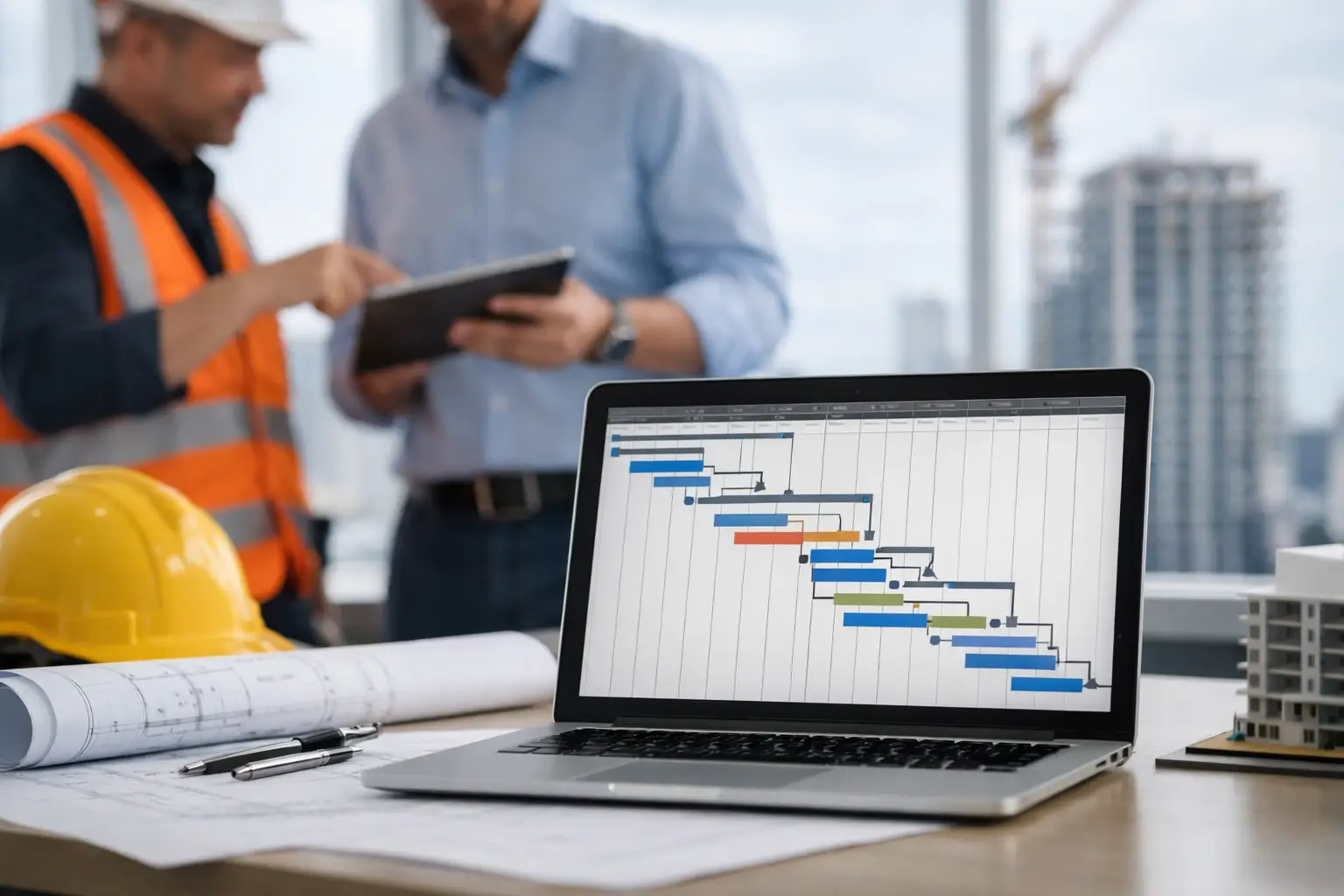
Construction Schedule Dependency Software
Construction schedule dependency software keeps every trade, delivery, and decision connected, so one delay updates the job before it becomes a surprise.
A framing crew does not care that your schedule looks clean in a spreadsheet. They care whether the foundation passed inspection, the lumber package is on site, and the site is ready when their crew pulls up. That is where construction schedule dependency software earns its place: it turns a list of dates into a working plan that reflects what must happen before the next crew can move.
For a builder running several homes, remodels, or light-commercial jobs, missed dependencies create more than a late finish date. They create crews standing by, rushed purchasing, owner calls, change-order confusion, and a superintendent trying to reconstruct the job from texts in the truck. The right system makes the chain of work visible early enough to act.
What schedule dependencies actually control
Every construction schedule has activities. Dependencies explain the relationship between them. Excavation must finish before footings begin. Drywall cannot start until rough inspections are complete. Cabinet installation may wait on both drywall finish and a confirmed delivery date.
Without those connections, a schedule is just a calendar with task names. Moving one task does not tell the team what else is affected. Someone has to notice the conflict, calculate the fallout, notify the next trade, and update the owner. On a busy job, that work often happens too late or not at all.
Most builders rely primarily on finish-to-start relationships: one activity finishes before another starts. That is the backbone of residential and light-commercial work. But a useful schedule also needs room for the exceptions that happen in the field:
- Start-to-start relationships, such as beginning exterior painting after siding installation has started in an approved area.
- Finish-to-finish relationships, where final landscaping and final cleaning must both be complete before turnover.
- Lead-time dependencies, where a task cannot proceed until a long-lead item is ordered, confirmed, and delivered.
- Approval and inspection dependencies, where the next phase waits on a client selection, permit response, or passed inspection.
The point is not to turn every job into a CPM exercise with hundreds of logic links. Small and mid-size builders need enough structure to expose real handoffs, not a scheduling system that requires a full-time administrator.
Why construction schedule dependency software changes the daily job
A dependable schedule should answer a simple question: if this item slips, what gets hit next?
Take a custom-home kitchen. The cabinet install is pushed four days because the supplier changed the delivery appointment. That delay can affect countertop templating, appliance installation, backsplash, final electrical trim, punch work, and the owner’s move-in expectation. If those tasks are connected, the project manager sees the impact as soon as the delivery changes. If they are not, each trade gets a separate call after the damage is already done.
That is the operational difference. Dependency-aware scheduling creates a single source of truth for the plan, while the office and field work from the same current information. The superintendent can update a delay from the tablet on the tailgate. The PM can see which upcoming commitments need a call. The admin team can avoid telling an owner a date that was already impossible yesterday.
It also protects cash flow. When a schedule change affects a delivery, a subcontractor mobilization, or an invoice milestone, the financial consequence is often as important as the calendar consequence. A disconnected schedule leaves those impacts buried in email, vendor portals, and someone’s memory.
The features that matter in the field
Not every platform that displays a Gantt chart is useful construction schedule dependency software. The real test is whether your team can keep the schedule current while running work.
Start with easy task linking. A PM should be able to set predecessors and successors without building a complicated network diagram. When a predecessor moves, the affected tasks should be easy to identify. Automatic date movement can save time, but it needs controls. You do not want a rain delay in one exterior area blindly shifting a critical interior sequence that can still proceed.
Mobile updates matter just as much. If schedule changes require a superintendent to wait until they are back at a desk, the schedule will lag behind the job. Look for fast field entry through a phone or tablet, including the ability to add notes, photos, delivery updates, and responsibility for the next action.
Trade access is another practical requirement. Subs do not need access to every budget line, client message, or internal note. They do need a clear view of their committed dates, prerequisite work, documents, and changes that affect mobilization. Free or low-friction subcontractor access increases the chance that the schedule is actually used instead of copied into text threads.
Finally, the schedule cannot live alone. A late truss delivery should connect to the material record. A pending selection should connect to the owner approval. An inspection hold should be visible beside the task it blocks. When schedule, communications, documents, and financial information sit in separate systems, your team becomes the integration layer. That is expensive and exhausting.
Set up dependencies without overbuilding the schedule
The common mistake is modeling every small activity. A 12-week remodel does not need a separate dependency for every piece of trim. It needs the handoffs that change who can work, what can be ordered, and when a customer-facing milestone is at risk.
Build the initial schedule around phases and trade handoffs: permits, demolition, structural work, rough-in, inspections, insulation, drywall, finishes, and closeout. Then add dependencies for long-lead materials, owner decisions, inspections, and any sequence with a high cost of missed coordination.
For each activity, ask three field-first questions: What must be true before this crew can start? Who owns making that true? What happens if it is late? Those answers reveal the dependencies worth tracking.
A bathroom remodel offers a good example. Tile installation depends on waterproofing completion, cure time, approved tile selection, and material delivery. The schedule should not merely say “tile starts Tuesday.” It should show the conditions behind Tuesday. If the owner has not approved the tile by Friday, the team knows the following week is at risk and can push for a decision before the installer loses the slot.
Use buffers with discipline. A buffer is not an excuse to hide uncertainty. It is time reserved for known risk, such as municipal inspection windows, custom fabrication, weather exposure, or occupied-home constraints. Label it clearly so the team understands whether it is real working time or protection for the sequence.
How to handle changes when the job refuses to follow the plan
Schedules change because construction changes. A good process does not pretend otherwise.
When an activity slips, first record what happened and why. Was it weather, labor availability, a design revision, an inspection failure, a late decision, or a delivery miss? That reason matters because it tells you whether the problem is isolated or likely to repeat across other jobs.
Next, review the immediate successors. Can any work be resequenced? Can the crew work in another area? Is there a partial release that keeps production moving? Automatic dependency updates provide the starting point, but a builder still needs judgment. A software tool can identify a conflict. It cannot decide whether your electrical crew can rough the second floor while the first-floor framing correction is underway.
Then communicate the changed commitment before the affected party has to chase you. Notify the next trade, adjust delivery coordination, flag the owner-facing milestone if needed, and assign the recovery action to a named person. A vague note saying “schedule delayed” is not control. A clear update saying “cabinet delivery moved to May 14; PM to confirm countertop template date by noon Friday” is.
Choosing a system your team will actually maintain
The best schedule dependency tool is not necessarily the one with the most chart options. It is the one your foremen, supers, PMs, and office staff can keep accurate while managing live work.
Before committing, test it on an active project. Load a real sequence, connect the major handoffs, delay a delivery, and see what happens. Can the person standing at the jobsite make the update in under a minute? Can a subcontractor understand what changed without calling the office? Can you see the related delivery, approval, or document without opening three other applications?
Also consider deployment. If implementation requires weeks of data cleanup, training sessions, and custom configuration, the job may keep moving while the software remains unused. BuilderHelp takes a different approach: one operational center built for builders who need to talk to the project from the truck, not maintain software from a desk.
The right level of control depends on your work. A complex multifamily build may need deeper critical-path reporting than a small addition. But every contractor benefits from making the few dependencies that control cost, crew flow, and customer promises impossible to miss.
Your next delayed delivery or failed inspection will test the schedule you have. Make sure the answer is not another round of calls, texts, and guesswork. Give the field a plan they can update when the work changes, because that is when the plan matters most.