
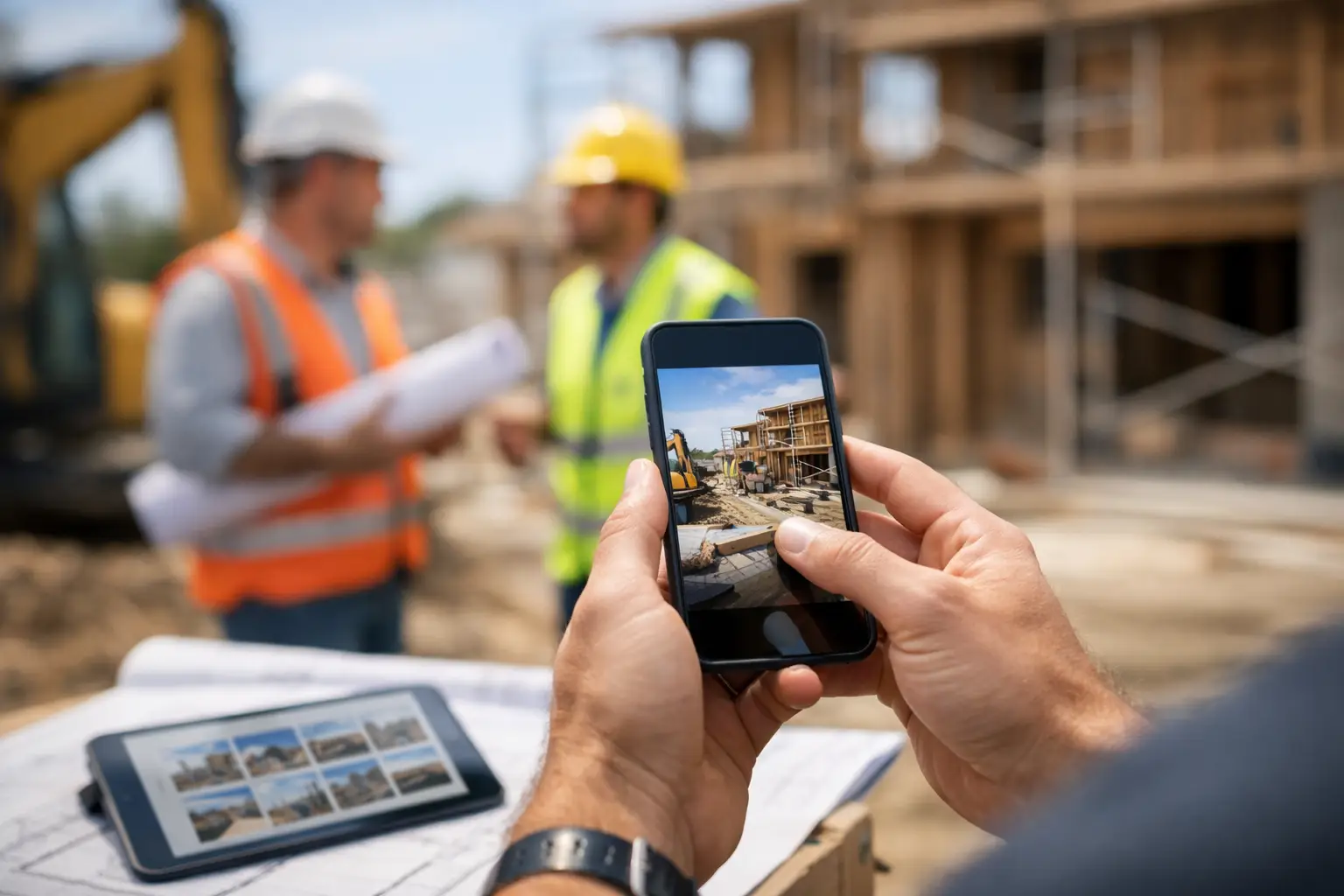
Jobsite Photo Documentation App for Builders
Choose a jobsite photo documentation app that proves progress, protects margins, and gives your field and office one clear project record every workday.
A missing photo can turn a five-minute owner question into an afternoon of phone calls. Was the wall open before the plumber arrived? Which vanity was delivered? Did the framing crew correct that header issue? A jobsite photo documentation app gives your team a record that answers those questions while the work is still fresh.
For builders running multiple custom homes, remodels, and light-commercial jobs, photos are not just a marketing archive. They are evidence of progress, a communication tool for owners, a check on subcontractor work, and a way to protect the schedule when the job changes. The catch is that photos only help when the right people can find them without scrolling through personal camera rolls, text threads, and buried cloud folders.
What a Jobsite Photo Documentation App Should Actually Do
Most crews already take photos. The problem is not photo capture. The problem is turning hundreds of disconnected images into a usable project record.
A useful jobsite photo documentation app attaches images to the job, the location, the date, and the work being performed. A superintendent should be able to pull up the kitchen at a specific address and see rough-in, insulation, drywall, cabinets, and punch work in order. An office manager should be able to locate a delivery photo without calling three people. A project manager should be able to show an owner what happened after a change order was approved.
That means the app needs to work where construction happens: on the phone in the truck, with gloves off for thirty seconds, or on the tablet on the tailgate. If it takes six screens to upload an image and add context, people will skip it on busy days. Then the office is left with another dead data source that looks organized but cannot answer the question that matters.
The best systems make photo capture part of the operational workflow. A photo can sit beside the task, plan, delivery, issue, approval, or daily update it relates to. That connection is what changes a gallery into documentation.
The Field Problems Photos Can Solve
Photos earn their keep when they reduce avoidable back-and-forth. Consider a remodel where a homeowner asks why a finished wall needs to be opened. If the team documented hidden water damage, framing corrections, and the approved scope change as the work happened, the conversation stays factual. Nobody has to reconstruct the job from memory.
Photo documentation also helps control the handoff between trades. A framing crew can document blocking before drywall. The electrician can show a completed rough-in before inspection. The superintendent can flag incomplete cleanup or damaged material before the next trade arrives. None of this replaces jobsite supervision, but it gives supervision a time-stamped record that survives a hectic week.
For owners and clients, selective visual updates build confidence without forcing the project manager to write a long report every Friday. For your internal team, the same images can help verify installed work, confirm deliveries, and preserve conditions that will disappear behind finishes.
There are limits. A photo does not prove every detail of quality, and it cannot replace a signed change order, an inspection record, or a conversation with a trade partner. It is supporting documentation, not a substitute for running the job. The value comes from putting visual proof next to the process that governs the work.
How to Choose the Right App for Your Crew
Start with the question your team asks most often: “Where is the proof?” The answer should not depend on who took the photo or which device they used.
A strong system should cover five practical needs:
- Project-level organization: Photos belong to the correct job from the moment they are captured, not after someone spends Friday afternoon sorting uploads.
- Fast field capture: Foremen and superintendents can take, label, and share photos in seconds from a mobile device.
- Useful context: The image can be connected to a room, task, plan sheet, delivery, issue, or approval.
- Office visibility: The team can find the same record from the office without requesting photos by text.
- Controlled sharing: Clients and subcontractors see what they need without gaining access to every internal conversation or financial detail.
Do not get distracted by a feature checklist that looks good in a sales demo. Ask to see the workflow for a real job: a damaged delivery, a concealed condition, a failed inspection item, or a progress update for an owner. Then ask how long it takes to find that image three months later.
If the answer involves downloading files, remembering a naming convention, or asking the person who took it, the system will create work instead of removing it.
Look for photos connected to the rest of the job
A standalone photo app may be enough for a small crew with one active project. But as jobs multiply, separate tools create separate versions of the truth. The photos live in one place, the schedule in another, owner approvals in email, invoices in accounting software, and subcontractor updates in text messages.
That fragmentation costs more than admin time. It makes it harder to see whether a late delivery affected the schedule, whether a documented issue was assigned, or whether completed work supports a billing milestone.
For most growing builders, the better choice is photo documentation inside a broader project operating system. BuilderHelp, for example, keeps photos alongside schedules, tasks, plans, deliveries, approvals, invoices, and client communication so the field record is connected to the decision-making record. That matters when you need an answer now, not after someone manually pieces the story together.
Prioritize adoption over perfect tagging
Every builder wants organized data. Few want to spend their evenings policing photo tags. The right balance is simple enough for the field to use consistently, with enough structure for the office to retrieve what it needs.
Require a few habits that pay off: capture before work gets covered, photograph deliveries when they arrive, document damage immediately, and attach photos to open issues or changes. Avoid demanding a paragraph of notes for every image. A short label such as “Master bath - shower valve rough-in” is usually more useful than no photo at all because the process was too burdensome.
If your platform supports voice-driven updates, make use of it. A superintendent walking the site can capture a photo and dictate the context instead of stopping to type. That is the kind of field-first workflow that gets used after the novelty wears off.
Build a Photo Process Your Team Will Follow
Technology will not fix an unclear process. Before rolling out any app, decide what your team is expected to document and who owns each part of it.
Superintendents may own daily progress and concealed conditions. Project managers may own client-facing updates and change-related evidence. Office staff may verify delivery records and organize photos tied to invoices or purchase issues. Subcontractors can contribute photos of completed work, especially when a correction, inspection, or payment milestone depends on proof.
Set expectations by project phase rather than by vague reminders to “take more photos.” At mobilization, document existing conditions and site access. During rough work, capture work before it is covered. At delivery, document quantities, damage, and storage location. At closeout, capture completed areas, remaining punch items, and warranty-sensitive equipment.
Keep the standard realistic. A superintendent managing six active jobs cannot produce a polished daily photo report for each one. They can document exceptions, milestones, concealed work, deliveries, and anything likely to become a question later. That is enough to create a far stronger record than a camera roll full of unlabeled images.
Make Documentation Pay Back in Real Time
The biggest mistake is treating jobsite photos as insurance you hope never to use. They should help the team today.
Use them in the weekly production meeting to confirm what is complete before updating the schedule. Pull them into owner updates when clients want to see progress but do not need another site visit. Reference them when a subcontractor says a material was missing, a condition was not ready, or work was completed. Use them to settle small questions before they become expensive disagreements.
A photo record also protects the people doing good work. When a superintendent catches a problem early, documents it, assigns it, and verifies the correction, the project has a clear trail of accountability. That is better for the builder, the trade partner, and the client than relying on recollection after the fact.
Start with one active project and one non-negotiable habit: document work before it disappears behind the next trade. Once your team sees how quickly those photos answer real job questions, the phone in the truck becomes more than a camera. It becomes part of how the company stays in control.