
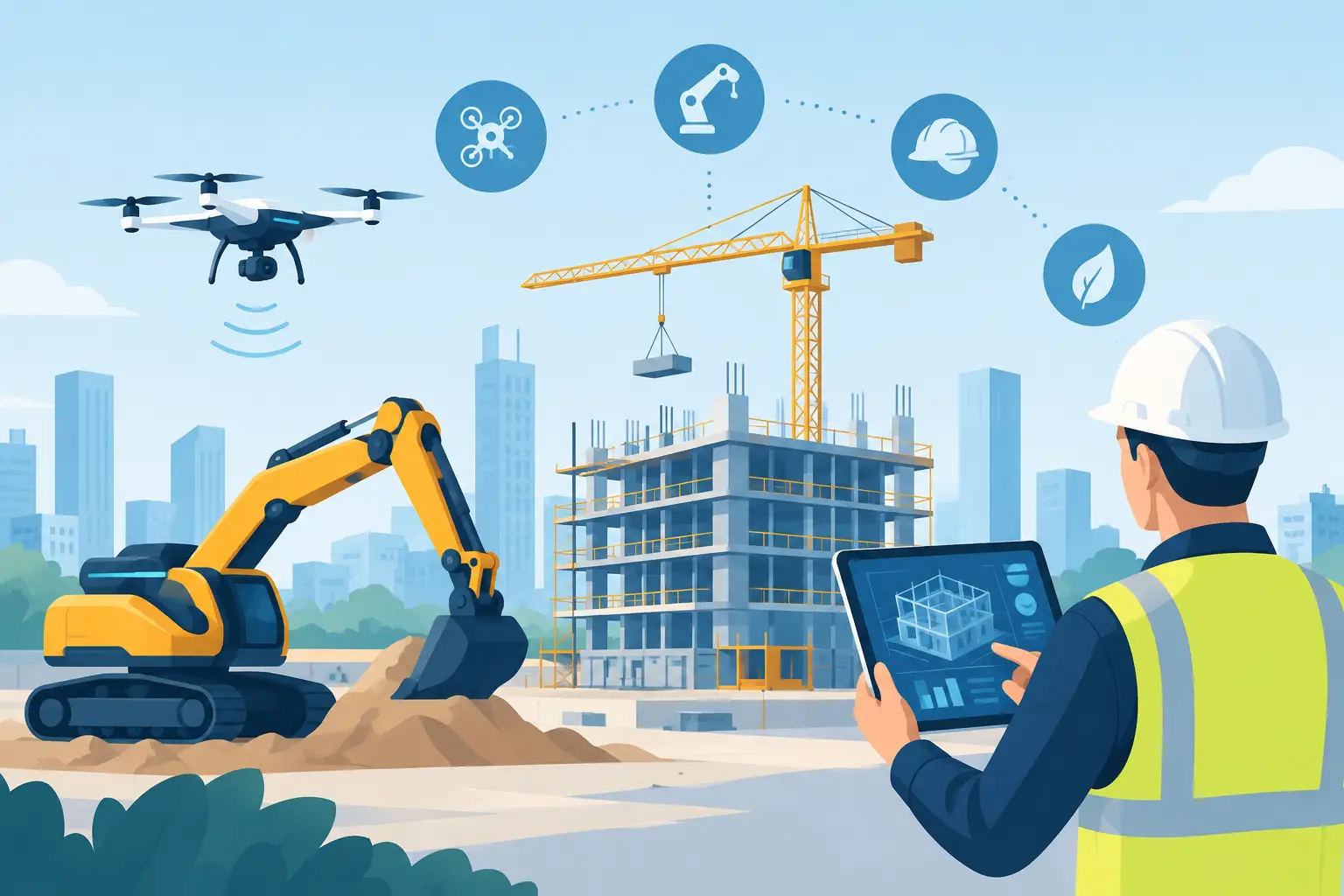
Construction Automation Trends 2026 That Matter
Construction automation trends 2026 are moving from dashboards to jobsite action. See what helps small builders cut lag, protect margin, and stay in control.
At 6:17 a.m., a superintendent is already answering texts about a late truss delivery, a missing change order, and whether the plumber can start before drywall. That is where construction automation trends 2026 stop being a technology conversation and become an operations conversation. The question is not whether a builder can add more software. It is whether the company can turn field activity into accurate action before the day gets away from it.
For small and mid-size contractors, the useful trend is not robots replacing crews or a giant platform that needs a full-time administrator. It is automation that removes the lag between what happens on site and what the office knows, approves, schedules, pays, and communicates.
Construction Automation Trends 2026: Less Admin, More Control
The strongest trend for 2026 is command-driven project management. Instead of opening five screens after getting back to the office, a PM or superintendent can speak, type, or photograph what happened while standing in the job. The system turns that input into a task, schedule update, invoice record, delivery note, or searchable project fact.
That matters because construction data loses value fast. A verbal instruction that is not captured becomes an argument. An invoice that stays in the truck for two weeks gives the budget a false sense of health. A schedule change that lives only in a group text leaves the next trade planning against an old reality.
The better systems will not ask field teams to become data-entry clerks. They will accept information in the form builders already use: a quick voice note, a phone photo, an email attachment, a marked-up plan, or a message from a subcontractor. Then they will put that information where it belongs.
This is not a case for automating every decision. A system can flag that a delivery date conflicts with rough-in work. It cannot fully judge whether the framing crew can recover time after rain, or whether an owner is likely to approve a costly finish change. Builders still make the calls. Automation should give them cleaner facts and fewer loose ends before they do.
AI Moves From Search Box to Jobsite Assistant
AI in construction has spent plenty of time producing summaries, emails, and generic answers. Those uses can help, but they are not the big operational shift. In 2026, the more valuable use is AI that can act inside a project system with clear guardrails.
Picture a superintendent saying into the phone in the truck: “Move cabinet install to Thursday, create a task for Mike to confirm countertop templates, and notify the homeowner that the kitchen schedule changed.” That request should not create three more places to check. It should update the schedule, assign accountability, preserve the communication record, and show the dependency behind the change.
The same applies to financial work. An AI tool can read an invoice, suggest a vendor and cost code, connect it to the right job, and flag a mismatch against a purchase order. A human should still review exceptions, especially on unfamiliar vendors, large commitments, or ambiguous invoices. The win is not blind automation. The win is taking repetitive sorting off the people who need to manage risk.
For builders, a practical test is simple: can the AI retrieve an answer or complete a useful project action without forcing someone to hunt through texts, PDFs, email, and spreadsheets? If the answer is no, it may be a nice feature. It is not yet an operational control center.
Voice becomes a serious field interface
Typing on a tablet on the tailgate is better than waiting until evening, but it is still not how many supers want to spend their time. Voice is becoming a real input method because it matches the pace of the field. A foreman can capture a delay while walking the site. A PM can assign follow-up while driving between jobs, using hands-free tools where appropriate and safe.
Voice only works if the output is trustworthy. “Order more lumber” is not enough information. The system needs the project, material, quantity, delivery location, timing, and approval path. Good automation asks for the missing detail or creates a draft for review. Bad automation confidently creates a mess.
Schedule Automation Gets More Dependency-Aware
Most builders do not need a prettier Gantt chart. They need a schedule that reflects the consequences of change.
In 2026, schedule automation is increasingly focused on dependencies, constraints, and alerts. When inspection slips, the system should identify the work likely affected next. When a delivery is confirmed, it should help the team see whether labor, access, and preceding work are ready. When a critical task is overdue, the right person should know early enough to do something about it.
That does not mean every schedule needs the complexity of a major commercial project. A custom-home builder with eight active jobs needs a different level of detail than a light-commercial GC coordinating twenty trades. Too much schedule structure becomes theater if nobody keeps it current.
The right standard is usable accountability. Every near-term activity should have an owner, a date, and a clear reason it cannot start if it is blocked. Automation can surface those blockers. It cannot make a subcontractor show up, but it can make it harder for a missed handoff to stay invisible.
Document Intelligence Reduces Version Confusion
Plan version confusion is expensive because it often looks small right up until materials are installed wrong. In 2026, automation is helping teams search drawings, compare revisions, connect photos to locations, and retrieve the latest approved information without scrolling through email chains.
The important word is approved. A system that makes every document easy to find but does not make the current document clear can create more confusion, not less. Teams need a dependable source for plans, selections, approvals, and change documentation.
Document intelligence is particularly useful on remodels and additions, where field conditions constantly collide with original assumptions. A PM should be able to pull up the relevant detail, the owner approval, and the photo from opening day without asking three people where it went. That shortens response time and protects the record when a question becomes a dispute.
Automated Financial Capture Protects Margin Earlier
Margin does not disappear at month-end. It disappears when commitments, invoices, labor, and changes drift out of view during the work.
Expect more builders to automate invoice capture, cost coding suggestions, commitment tracking, and budget alerts in 2026. The best workflow begins when the invoice arrives, not when someone finally has time to enter it. A photo or forwarded email should become a reviewable job cost record quickly, with the original document attached.
There are limits. Automated coding can be wrong when one vendor invoice covers multiple jobs, includes freight, or uses vague descriptions. That is why exception review matters. But if the system handles the obvious items and highlights the questionable ones, the office can spend its attention where judgment is required.
This trend also raises the value of connecting field decisions to financial impact. A change request should not live apart from the budget. A material order should not vanish into a text thread. When the operational record and the financial record are connected, owners and project managers can see trouble while there is still time to change course.
Subcontractor Participation Has to Be Friction-Free
Automation fails when it creates another login burden for the people doing the work. Subcontractors are not looking for a new administrative hobby. They need clear scopes, current dates, documents, tasks, and a fast way to confirm what is happening.
That is why free, low-friction subcontractor access is becoming more important than feature count. If a trade can receive a task, check the latest plan, upload a photo, and confirm availability without paid-seat friction, the builder gets better project data. If the process is cumbersome, the team goes back to texting.
The goal is not to eliminate conversations. Construction runs on relationships, calls, and jobsite judgment. The goal is to ensure the decision from that conversation becomes visible to everyone who must act on it.
What Builders Should Automate First
Do not start with the flashiest AI demo. Start with the handoffs that create the most rework, delay, or financial blind spots in your company.
For many contractors, that means getting schedule changes, task ownership, invoice capture, material deliveries, client approvals, and project photos into one operating record. Those workflows touch the field and office every day. They are also the places where disconnected tools create the most mental load.
Before rolling out anything, test it on a live job with real users. Can a superintendent update the project in under a minute? Can the office trust what arrives? Can a subcontractor participate without training calls? Can a PM find the record later without remembering which app held it? BuilderHelp is built around that standard: useful project action from the field, without turning builders into software administrators.
The construction companies that gain ground in 2026 will not be the ones with the longest software stack. They will be the ones where a field observation becomes a clear, accountable action while it is still fresh - and where the team can trust that the job record tells the same story as the jobsite.